Independent hearing-aid guidance · US edition · Local preview
Reading options
Ceretone

Brand overview

Ceretone hearing aids

Seven Ceretone models show different approaches to in-ear and behind-ear fit, app settings, physical controls and touchscreen cases.

Hearing Fieldguide is an independent guide. This page does not represent Ceretone customer service or an official brand store.

A model name is only the start

Choose your next Ceretone comparison

The range includes physical controls, companion apps and touchscreen cases. Choose where you want to adjust the sound before comparing the smaller differences.

Recorded model claims; no acoustic performance scores
Exact modelControlsPhone useStated power scope
Core One ProCharging-case controlsNo app or smartphone required for documented controlsUp to 20 hours / 80 total including case
BeaconCompanion app and device settingsCompatible iOS or Android phone for connected featuresUp to 15 hours / 60 total including case
TorchMultifunction on-device buttonNo app required for documented everyday controlsUp to 25 hours per charge / 100 hours including case
SolidLarge on-device multifunction switchNo app required for documented everyday controlsUp to 20 hours; case requires a power cable
Core OneCeretone companion appCompatible iOS or Android phone for documented app controlsUp to 13 hours per charge / 78 hours including case
FusionMultifunction on-device buttonNo app required for documented everyday controlsUp to 25 hours per charge / 100 hours including case
Synvix2.1-inch touchscreen caseNo app required for case controls; compatible phone required for streamingUp to 20 hours per charge / 80 hours total including case

Read one model at a time

Core One Pro
Controls
Charging-case controls
Phone use
No app or smartphone required for documented controls
Stated battery use
Up to 20 hours / 80 total including case
Read Core One Pro details →
Beacon
Controls
Companion app and device settings
Phone use
Compatible iOS or Android phone for connected features
Stated battery use
Up to 15 hours / 60 total including case
Read Beacon details →
Torch
Controls
Multifunction on-device button
Phone use
No app required for documented everyday controls
Stated battery use
Up to 25 hours per charge / 100 hours including case
Read Torch details →
Solid
Controls
Large on-device multifunction switch
Phone use
No app required for documented everyday controls
Stated battery use
Up to 20 hours; case requires a power cable
Read Solid details →
Core One
Controls
Ceretone companion app
Phone use
Compatible iOS or Android phone for documented app controls
Stated battery use
Up to 13 hours per charge / 78 hours including case
Read Core One details →
Fusion
Controls
Multifunction on-device button
Phone use
No app required for documented everyday controls
Stated battery use
Up to 25 hours per charge / 100 hours including case
Read Fusion details →
Synvix
Controls
2.1-inch touchscreen case
Phone use
No app required for case controls; compatible phone required for streaming
Stated battery use
Up to 20 hours per charge / 80 hours total including case
Read Synvix details →

Core One is not Core One Pro

The older Core One documents companion-app controls; Core One Pro documents case controls without a smartphone for those adjustments. Similar names should not carry app requirements or battery figures from one model to the other.

Compare the two exact Core One models →

A charging case is not always a power bank

Solid’s case requires a power cable. Several other models state case-inclusive reserve, which is different from device runtime. If you need charging away from an outlet, check the exact case rather than assuming every portable-looking box stores power.

Read the battery-scope checks →

Case controls and streaming are separate tasks

Synvix documents a touchscreen case and connected audio. A phone is not needed for the documented case adjustments, but a compatible phone is needed for phone audio. Do not transfer those functions to Fusion or Core One Pro.

Compare three different control approaches →

Based on the source-linked exact model records in this guide, researched October 25, 2026. Editorial selection framework added October 26. This is not a complete historical catalog, live stock check or hands-on comparison.

Models covered here

Compare across brands →
Ceretone Core One Pro hearing aids

Ceretone · Case controls, without an app

Core One Pro

An in-canal design with volume and program changes on its charging case. Compare it if you want everyday controls away from a phone screen.

Controls
Charging-case controls
Format
Invisible-in-canal
Explore Core One Pro Compare Core One Pro
Ceretone Beacon hearing aids

Ceretone · App personalization and streaming

Beacon

A receiver-in-canal model with app-based hearing personalization and documented phone calls and music streaming. Check the exact phone and setup requirements before buying.

Controls
Companion app and device settings
Format
Receiver-in-canal
Explore Beacon Compare Beacon
Ceretone Torch hearing aids

Ceretone · Multifunction on-device button

Torch

A rechargeable in-ear Ceretone model with six volume levels and five listening programs.

Controls
Multifunction on-device button
Format
In-the-ear
Explore Torch Compare Torch
Ceretone Solid hearing aids

Ceretone · Large on-device multifunction switch

Solid

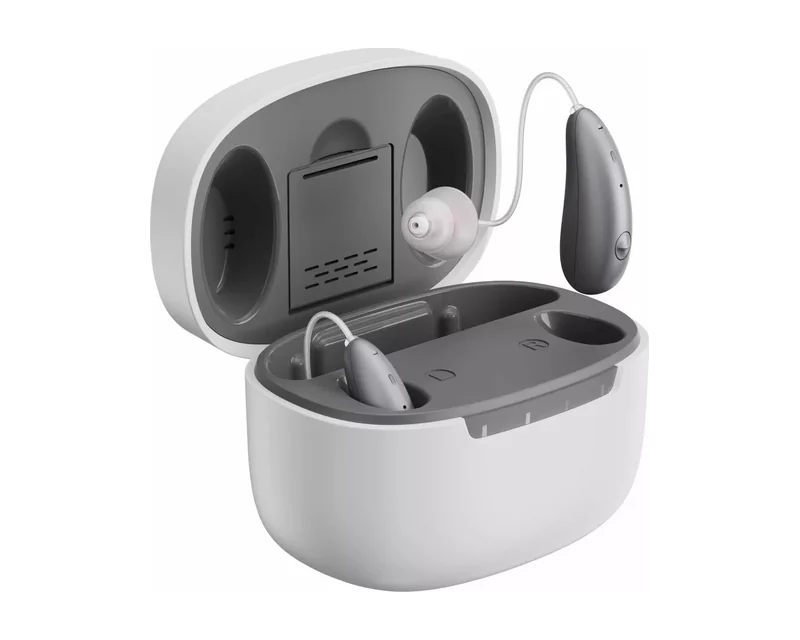
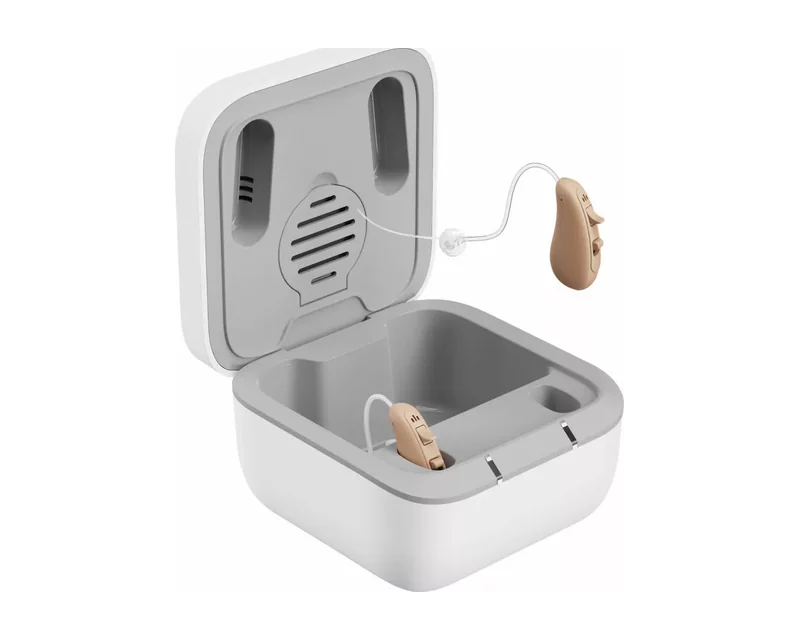
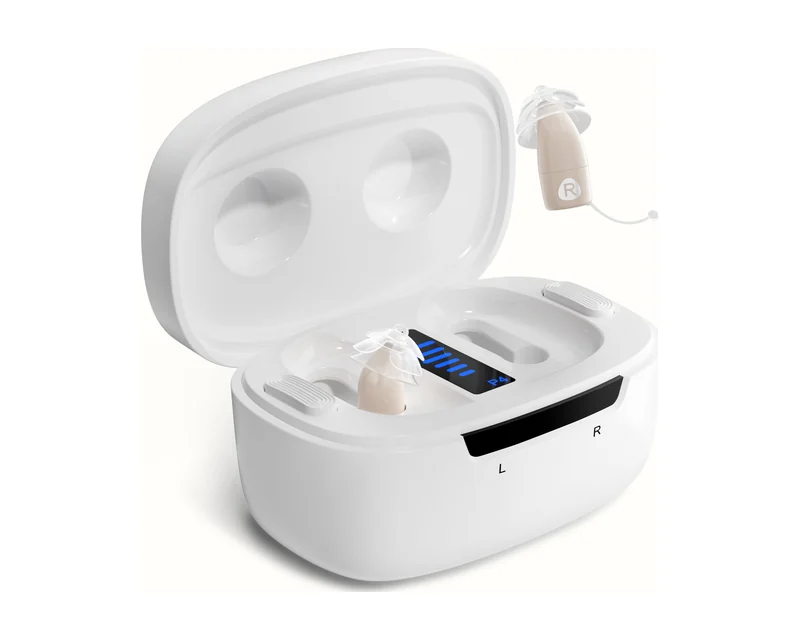
A behind-the-ear Ceretone model with larger physical controls and a charging case that must be plugged in.

Controls
Large on-device multifunction switch
Format
Behind-the-ear
Explore Solid Compare Solid
Ceretone Core One hearing aids

Ceretone · Ceretone companion app

Core One

The original compact Core One uses an app for volume and sound settings. It is a different generation from Core One Pro.

Controls
Ceretone companion app
Format
Invisible-in-canal
Explore Core One Compare Core One
Ceretone Fusion hearing aids

Ceretone · Multifunction on-device button

Fusion

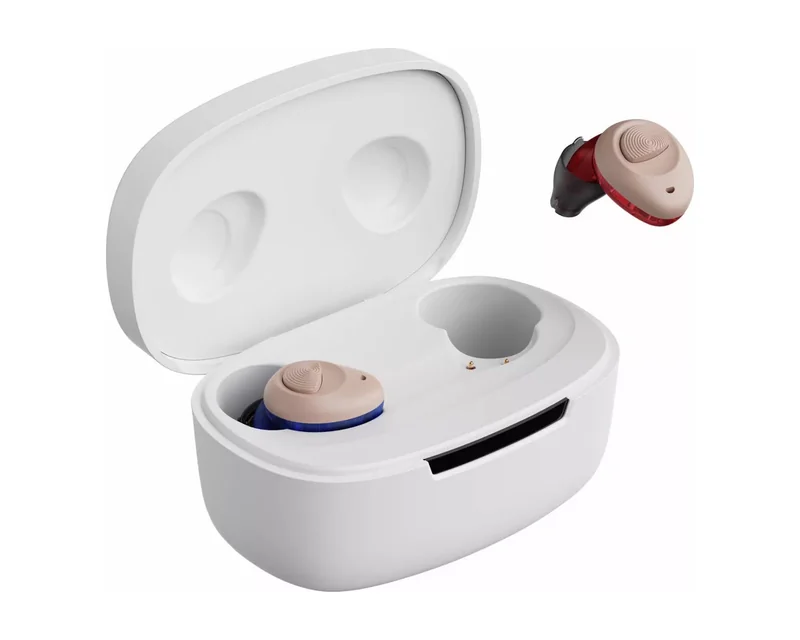
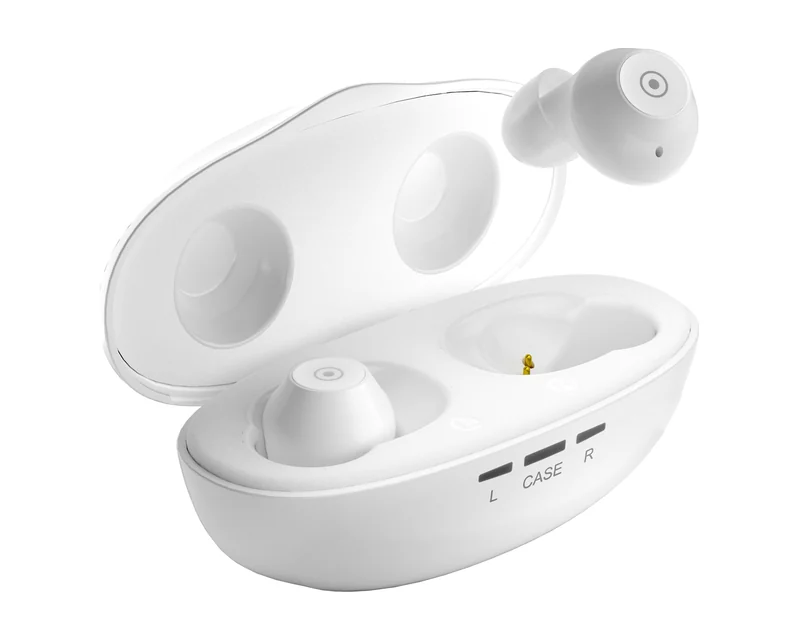
An earbud-style in-ear Ceretone option with a multifunction button and rechargeable portable case.

Controls
Multifunction on-device button
Format
In-the-ear / earbud-style
Explore Fusion Compare Fusion
Ceretone Synvix hearing aids

Ceretone · 2.1-inch touchscreen case

Synvix

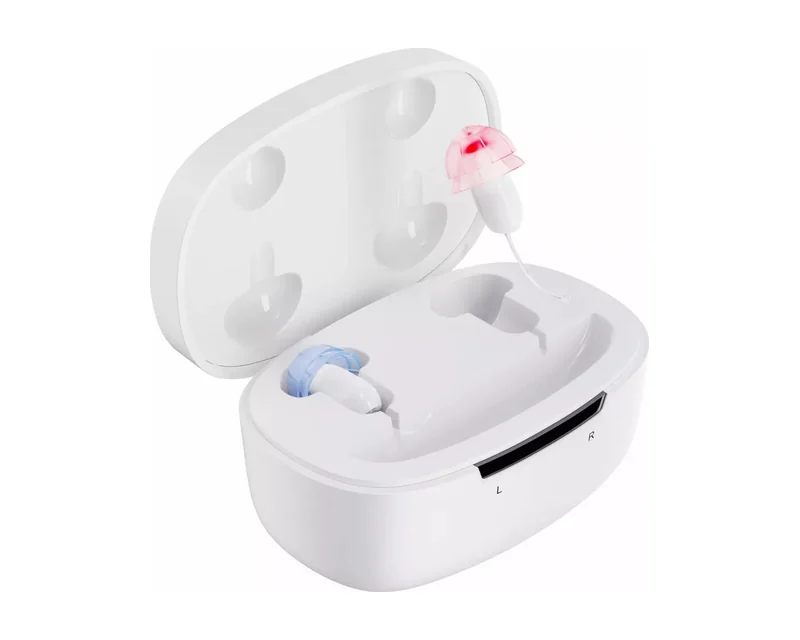
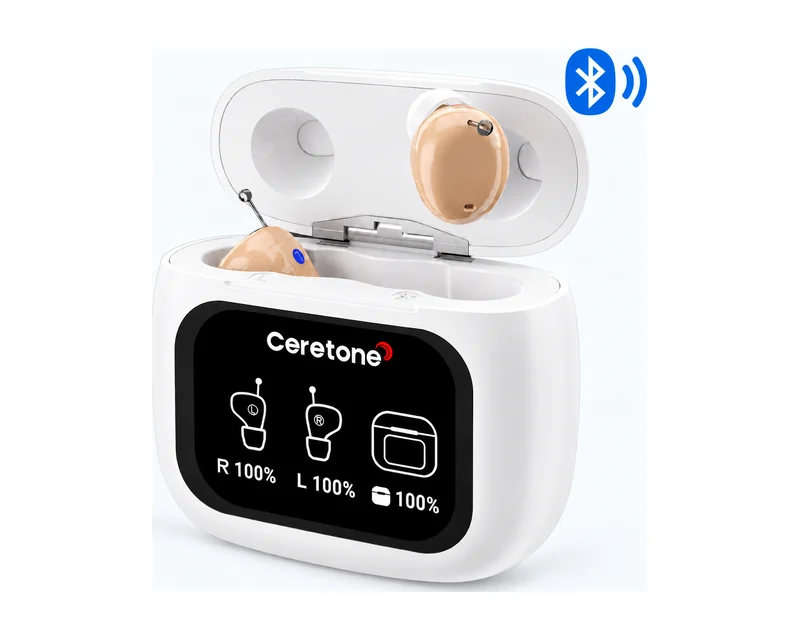
Touchscreen case controls and Bluetooth calls and music without a required companion app.

Controls
2.1-inch touchscreen case
Format
In-the-ear / in-canal
Explore Synvix Compare Synvix

Before choosing a Ceretone model

Separate original Core One app controls from Core One Pro case controls. Solid’s case requires a power cable; Synvix adds touchscreen controls and Bluetooth audio. Check current seller-specific trial terms.

Visit Ceretone for official support ↗